Development Blog

Weekly updates from the team building the future of location-based VR arena combat.

About This Blog

Welcome to the Avalon Battlegrounds dev blog. My name is Matt, and I lead the development team building what we believe will be the next evolution of location-based VR entertainment. Every week, I share an honest look at what we're building, what's working, what's breaking, and what we're learning along the way.

The Goal: Build a shared-reality arena where up to 12 players occupy the same physical space wearing headsets — and experience something impossible without VR. Cooperative monster battles in Battlegrounds, competitive dodgeball in DodgeIt, and team survival in Meteor Shower. Every experience is full-body, strength-neutral, and played with the people standing next to you.

If you're an investor, a potential franchise partner, a VR enthusiast, or just someone who thinks swords should be swung with your actual arms — this blog is for you.

Got a question? Send it our way — the best ones show up as Reader Questions in future entries.

Week 17March 3, 2026

“Fire and Ice”

We've been building Battlegrounds — the cooperative monster combat experience — for seventeen weeks. This week we shifted focus to our second game mode: DodgeIt.

DodgeIt is competitive. Two teams in the same arena, throwing projectiles at each other. But unlike real dodgeball, these aren't rubber balls — they're fireballs and ice balls, with real visual effects, spatial audio, and an entirely different feel from anything we've built so far.

Early DodgeIt footage — elemental ball throwing with damage tracking. Fireball effects are final; ice ball visuals are still in progress.

How it works: Each player gets two elements. Squeeze your right grip and a fireball ignites in your hand — a glowing core wrapped in flame trails with a crackling audio cue. Squeeze the left grip and you summon an ice ball. Each element looks, sounds, and behaves differently.

The charge mechanic: This is where it gets tactical. You can quick-release a ball for a fast, small throw that deals light damage. Or you can hold it. The longer you charge, the larger the ball grows — up to ten seconds for a fully charged shot that moves slower but hits significantly harder. It creates a genuine risk-reward decision: do you fire fast and keep your opponent dodging, or do you wind up a heavy shot and try to land the knockout blow?

When it connects: A direct hit triggers an elemental explosion effect with spatial audio — you hear and see the impact, and the sound fades naturally with distance. Every player in the arena has a health display that ticks down with each hit, shifting from green to yellow to orange to red. When a player's health reaches zero, the display reads “OUT,” their avatar turns grey, and they can no longer throw. Clean, clear, no ambiguity about who's still in the fight.

Arena boundaries: Missed shots don't fly off into the void. As a ball approaches the edge of the arena, it fades to invisible and disappears. From the player's perspective, every throw either connects or dissolves — no awkward projectiles hanging in open space.

On the visuals: The fireball effects are final — the glowing core, the trailing flames, the impact explosion all look the way they will on opening day. The ice ball is still in progress. Right now it renders as a solid projectile, but we're working on the frost particle effects and shattering impact to bring it up to the same standard as the fireball. Both elements are built from a professional VFX library adapted specifically for Quest 3 hardware.

Why this matters: DodgeIt is designed to be our broadest-appeal game mode. The rules are instantly familiar — it's dodgeball. But the experience is something entirely new. Throwing fireballs with your actual arm, dodging ice projectiles with your actual body, watching someone charge up a massive shot and knowing you have seconds to react. Every session is physical, social, and impossible to replicate at home.

We're building toward a venue with multiple game modes running simultaneously across four arenas. Some groups will choose Battlegrounds for the cooperative adventure. Others will choose DodgeIt for the head-to-head competition. Having both options means broader appeal and higher rebookings — people come back to try the mode they didn't play last time.


Week 16February 13, 2026

“The Camera Sees You”

The problem: Quest 3 headsets track your head and your hands. That's it. Your legs, hips, and torso are invisible to the system. In a game where you're standing in a room with other people, having every avatar float around as a head and two hands breaks immersion. We needed full-body tracking without requiring players to wear any additional sensors.

The solution: Overhead depth cameras mounted above the play area, running a computer vision pipeline that estimates joint positions in real time. We mounted the first camera in its final position this week and ran our first live detection test — all major joints detected with high confidence. Hips, knees, and ankles all came in strong, which is exactly the data we need for leg movement. The camera data flows to the game server, gets matched to headset players, and drives each avatar's legs through inverse kinematics.

Graceful degradation: This is a core design principle. If the camera system isn't running, nothing breaks. The skeleton data rides alongside existing player state in the network broadcast. When the tracking service isn't active, each player's legs stay in their default pose. When camera data arrives, legs smoothly blend in. When a player walks out of camera view, confidence decays over about a second — a gentle fade back to default, no jarring snap.

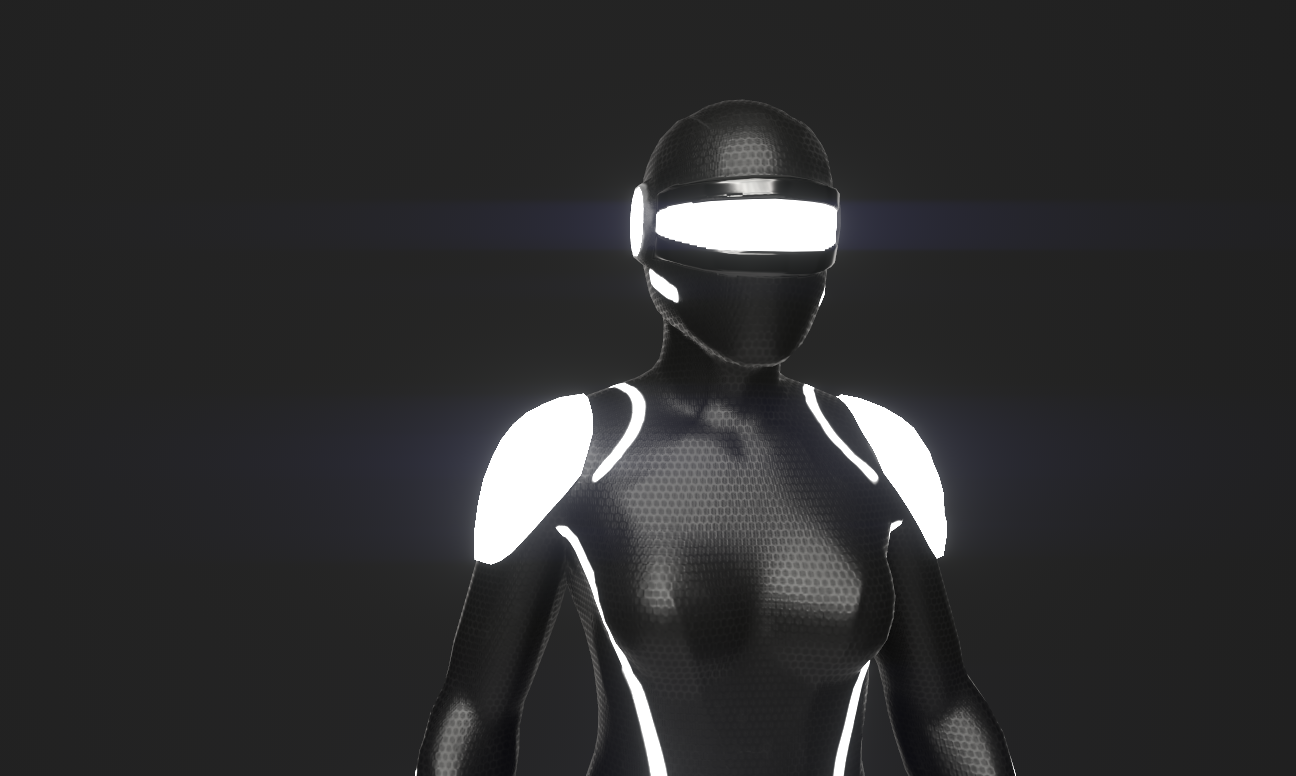
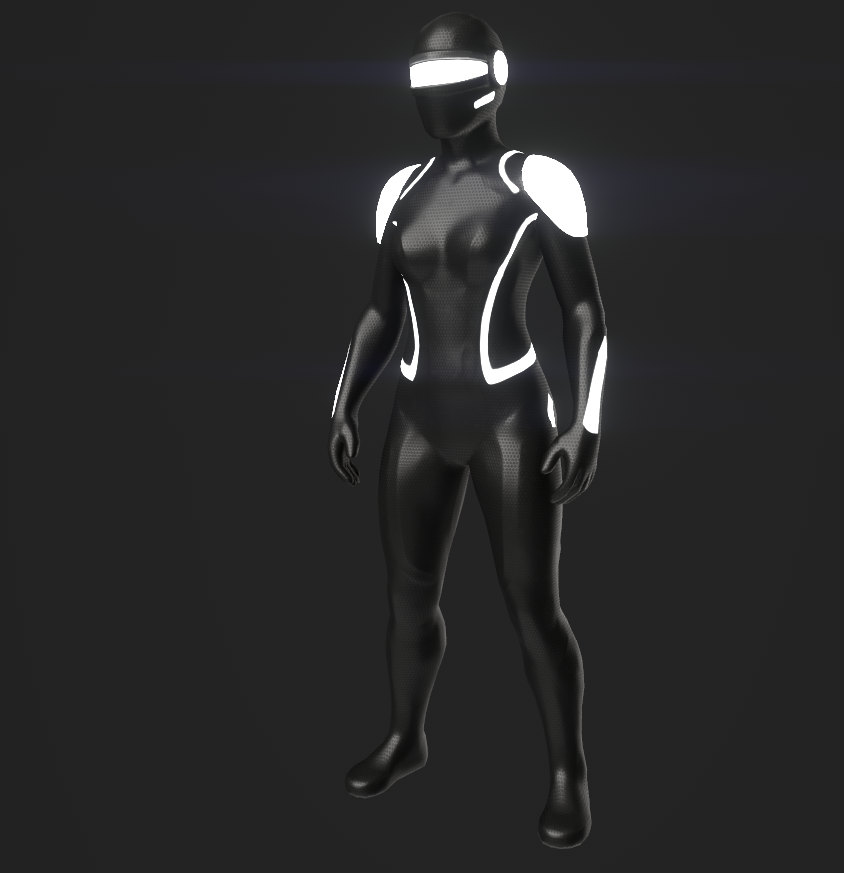
Full articulation: With camera tracking online, remote player avatars now have the data they need for full-body rendering — head rotation from the headset, body rotation inferred from head direction, arms driven by controller positions, and legs driven by camera skeleton data. All of it running through our lightweight two-bone IK solver.

What's next: With the avatar pipeline coming together, we're turning our attention to combat — match flow, wave spawning, and game progression. Time to make the swords do something.


Week 15February 9, 2026

“14 Files, One Sprint, Full Pipeline”

This was our most productive week yet. We built the entire camera body tracking pipeline in a single focused sprint — 14 files created or modified across three codebases (Python, C# server, C# client).

Camera Tracking Service: A standalone service that captures video, runs the vision pipeline, and sends joint data to the game server.

Server Integration: New server components handle receiving skeleton data, fusing input from multiple cameras, matching detected bodies to headset players, and managing confidence levels.

Key design decision: graceful degradation. If the tracking service isn't running, legs remain in their default pose. Nothing breaks. The leg tracking elevates the experience, but the core game never depends on it.

Bandwidth impact: The skeleton data adds modest overhead per player. Even with a full arena, the total bandwidth comfortably fits within a single UDP datagram per broadcast — no fragmentation concerns.

Build count: 61.


Week 14February 2, 2026

“Full-Body Tracking — And We Found the Perfect Approach”

Big step forward this week. We're adding full-body tracking.

The hardware: Depth cameras mounted in the arena, covering the play space from multiple angles.

The approach: A custom computer vision pipeline that detects players in the arena and estimates lower-body joint positions in real time.

Here's the high-level flow:

  1. Camera service captures video from multiple angles
  2. Vision pipeline detects players and estimates joint positions
  3. Joint data is projected into arena coordinates
  4. The game server fuses data from multiple cameras, matches bodies to headset players, and injects skeleton data into the broadcast

Reader Question

“How do you get accurate 3D positions from camera data?”

The cameras are at known fixed positions. The arena floor is flat and at a known height. We only need a handful of joints for convincing leg movement. Multiple camera angles give us cross-reference for accuracy. The results look convincing — these positions are driving IK on a humanoid avatar, so they need to look right, not be sub-centimeter precise.


Week 13January 26, 2026

“Less Is More (Our Best Engineering Decision Yet)”

Two weeks ago I mentioned we were exploring VRIK for remote player bodies. This week we made the call to move past it and build something purpose-built — and the result is dramatically better.

The breakthrough: RemotePlayerVisual

A lean, purpose-built bone mapping system:

  1. Reads the server-provided head position and rotation
  2. Places the avatar's head bone with yaw and pitch applied to the bind pose
  3. Positions the hands using SimpleTwoBoneIK — a minimal two-bone IK solver
  4. Infers body facing direction from hand positions
  5. Everything else stays in the default bind pose

It's simpler. It's faster. And it looks great — clean, consistent, and performant.

Also this week: The B Button Calibration System

Each player presses the B button on their right controller while standing normally. The system captures their head position, validates they're actually standing, and establishes the transform between headset tracking space and arena space. The floor level is now perfect. Players are grounded exactly where they should be.

Head rotation is also working. Yaw (left/right looking) and pitch (up/down looking) are extracted from the headset rotation, transformed through the calibration offset, and applied to the avatar's head bone in world space. Other players can now see you look around.

Build count: 36 (#58 by end of week — we burned through a lot of test builds).


Week 12January 19, 2026

“First Blood”

A player killed a monster this week.

Let me set the scene: one Quest headset, one Mac mini, three Fodder monsters spawned in a triangle pattern in front of the player. The player is holding a mace (a simple mesh attached to the right controller). They swing, the weapon collider hits the monster, the server validates the hit, applies 25 damage, the Fodder drops dead (HP 25 - 25 = 0), and the score increments by 10 points.

It took 12 weeks to get here, and it was worth every one of them.

CombatResolver is the key new component. It's intentionally stateless — it doesn't own any data. It takes inputs (player position, weapon position, monster positions) and outputs events (damage dealt, monster killed, player damaged). The server calls it, it returns results, the server applies them.

Why stateless? Because combat logic is the most likely source of bugs, and stateless code is the easiest to test and reason about. No hidden state, no timing dependencies, no “well, it depends on what happened last frame.”

Shield blocking is also working at a basic level. The Warrior's left hand holds a shield. If the left hand is in front of the body and the monster is within a 90-degree cone in front of the player, the attack is blocked.

We also added haptic feedback this week. When you hit a monster, the right controller buzzes briefly. When you kill one, it's a stronger buzz. When a monster hits you, both controllers pulse. When you go down (HP = 0), it's a long rumble. These small touches make the combat feel real.

Reader Question

“You mentioned weapon colliders. Is hit detection client-side or server-side?”

Both, kind of. The client sends weapon tip position at a higher rate than body tracking, because fast swings would be missed otherwise. The server validates the hit by checking proximity and swing velocity — you have to actually swing, not just hold the mace near a monster. Client-side we also detect collisions locally for immediate visual/audio feedback, but the server is authoritative for damage and scoring.

Build count: 28.


Week 11January 12, 2026

“Monsters in the Machine”

While the avatar work continues in parallel, we started building the monster system this week.

MonsterManager is the server-side brain: manages a pool of 20 monster instances (pre-allocated), spawns monsters at designated points, runs AI at 60Hz, and reports all active monster states for the 30Hz broadcast.

Monster types range from fast, fragile Fodder enemies to massive Boss encounters. Each type has tuned stats for HP, damage, speed, and point value — designed so a room full of mixed types creates natural tactical decisions about what to prioritize.

Monster AI is deliberately simple for v1. Monsters target players, pursue them, and attack when in range — with cooldowns to prevent unfair damage spikes. The simplicity is intentional: predictable enemies let players feel powerful.

On the client side, we built MonsterRenderer — a pooled system that pre-instantiates 20 monster GameObjects (currently just colored capsules) and maps them to server monster IDs. Color-coded by type: green for Fodder, yellow for Bruiser, blue for Ranged, orange for Elite, red for Boss.

We tested with three Fodder monsters spawning at match start. On the Quest headset, you can see three green capsules in the arena. They chase you. It's dumb and simple and it works.

Build count: 22.


Week 10January 5, 2026

“Back to Work: Avatars and the IK Question”

Happy New Year. We're back, and tackling one of the most visible parts of the experience: making remote players look like actual people.

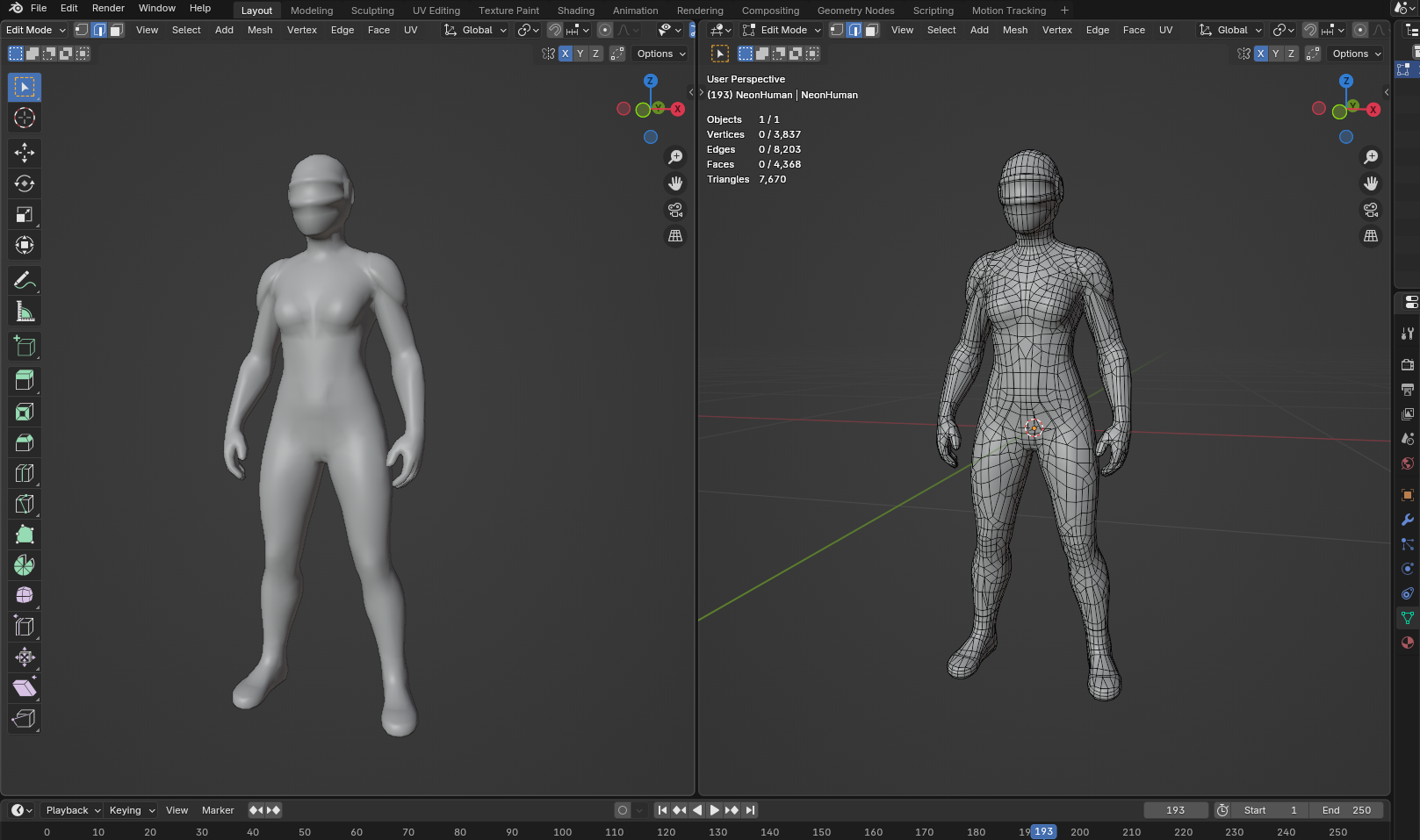
The goal: Replace placeholder cubes with humanoid avatars.

First exploration: VRIK. FinalIK's VRIK is the industry standard for head+hands IK in VR. We set it up and evaluated it:

  1. Performance budget. VRIK solving multiple remote player bodies eats a significant chunk of the per-frame budget on mobile VR hardware.
  2. Input limitations. With only head + hands (no hip tracker), VRIK infers body orientation and spine twist. The results vary.
  3. Configuration overhead. Each avatar needs VRIK calibration and bone mapping. At 11 remote players, the setup surface area is large.

We're evaluating whether VRIK is the right tool for our constraints, or whether a lighter purpose-built approach would serve us better.

Reader Question

“Why not just use Meta's Avatars SDK? It handles all of this.”

Meta Avatars are designed for social VR and require internet connectivity for avatar loading. Our game network is air-gapped by design. We also need medieval fantasy characters (knights, mages), not cartoon Meta avatars. So: custom avatars with custom rendering.

Build count: 17.


Week 9December 29, 2025

“Holiday Housekeeping”

Light week — most of the team is off. I spent a few days doing architecture cleanup and planning the January sprint.

Major update: Architecture V3. As the system matures, the architecture doc evolves with it. V3 adds proper data flow diagrams for the customer journey and critical numbers that govern everything:

  • Max players per arena
  • Max simultaneous monsters
  • Match duration and respawn timers
  • Server tick rate, broadcast rate, client input rate, and render target
  • Target network latency thresholds
  • Player class stats and weapon damage values

These numbers are from our Game Design Document and are now locked in the architecture doc as the source of truth. Any code that uses a different value is a bug.


Week 8December 22, 2025

“Year-End Retrospective”

Eight weeks in. Let's take stock.

What's working:

  • UDP networking layer (custom packets, zero-allocation serialization)
  • Connection handshake (headset identification, server registration)
  • Lobby system (headset pool, slot assignment, class selection, ready state)
  • 30Hz player sync (two headsets seeing each other in real time)
  • Basic URP rendering pipeline on Quest 3

What's not working yet:

  • Player avatars (still floating cubes)
  • Combat (no weapons, no monsters)
  • Calibration (headsets still in raw Quest tracking space)
  • Operator tablet (defined but not built)
  • Audio (silent)
  • Any kind of game loop (no match start, no timer, no win/lose)

What I've learned:

  1. The network layer took twice as long as expected. Not because networking is hard — it's well-understood — but because the testing is hard. You need two headsets charged and connected, a Mac mini running, and everything on the same network. Every test cycle is 5+ minutes of setup.
  2. Unity's Quest 3 build pipeline is slow. An incremental build takes 90 seconds. A full build takes 4 minutes. When you're iterating on a bug, that adds up fast.
  3. The team is strong. Everyone is pulling in the same direction. Morale is high. That matters more than any technical decision we've made.

The team is taking the last week of December off. We come back January 5th. See you in 2026.

Build count: 14.


Week 7December 15, 2025

“The Multiplayer Moment”

Two Quest 3 headsets. One Mac mini. Real-time player sync at 30Hz.

I'm going to be honest: this is the moment that made the whole team believe this project was going to work.

Player 1 puts on a headset. Connects to server. Gets assigned to slot 0. Player 2 does the same, slot 1. The server is receiving input from both at 10Hz, broadcasting state to both at 30Hz. And on each headset, you can see the other player's head and hands moving in real time.

The latency is imperceptible on LAN. That's the benefit of a private network with no internet traffic competing for bandwidth.

There are problems, of course. The remote player is just a floating head and two floating hands right now. No body. No avatar. Just three cubes in space. But those cubes move exactly when the real person moves, and that's the hard part.

We also hit our first real bug this week: sequence number wraparound. Our sequence numbers are uint (4 bytes, max ~4.2 billion), so wraparound isn't a real concern. But we had a bug where old packets arriving out of order were being processed, causing position jitter. Fix: discard any packet with a sequence number older than the last received. Three lines of code, two hours of debugging.

Reader Question

“How do you handle a player moving their head faster than the 10Hz input rate? Doesn't it look choppy?”

The client sends input at 10Hz, but the client renders at 72Hz. Between state updates, the client interpolates the remote player's position. So even though we only get 10 new data points per second from each player, the rendering is smooth because we're lerping between them. The server broadcasts at 30Hz, which gives us even more frequent position updates to interpolate between. It looks great.


Week 6December 8, 2025

“The Lobby System (Or: The Part Nobody Thinks About)”

Everyone wants to talk about combat. Nobody wants to talk about the lobby. But the lobby is where your customer's experience starts, and if it's confusing or broken, nothing else matters.

This week we built the lobby system, and it's more complex than it sounds. Here's the flow:

  1. Server starts in Idle state. No match configured.
  2. Headsets connect and enter the “Available Pool.”
  3. The Operator (a staff member with an iPad) opens the tablet app and sees a list of available headsets with battery levels.
  4. Operator assigns headsets to player slots. “Headset A7 → Slot 3.”
  5. Players select their class on the headset. Warrior or Mage (for now).
  6. Players ready up. The operator sees who's ready.
  7. Operator selects the adventure path and hits “Start Match.”

We defined the full set of operator commands — everything from assigning headsets to player slots, to starting and pausing matches, to handling edge cases like swapping players or force-respawning someone who got stuck.

Each player slot binds hardware (which headset) to identity (which player and character class), with hooks for future account integration.

Build count: 9.


Week 5December 1, 2025

“The Packet Serialization Deep Dive”

This week was all about getting the data layer right. If the foundation is solid, everything above it is easier. If it's wrong, everything above it is subtly wrong in ways that take weeks to diagnose.

Client input packets carry tracking data (head, hands), controller states, and a sequence number. They're compact — well under 100 bytes each — and sent at a rate that keeps bandwidth low even with a full arena.

Server state packets carry the full game state: all player positions, monster states, match progress, and events. Broadcast to every client at a higher rate. Even with a full 12-player match and active monsters, the total bandwidth per client is well within Wi-Fi 6 capacity.

We also built the Shared/ directory structure this week. The shared code (packets, enums, structs, serialization) lives in one place and is symlinked into both the Client and Server Unity projects. This means a change to PacketSerializer.cs is automatically visible in both projects. No copy-paste, no version mismatch bugs.

Reader Question

“Could you compress the rotation data to save bandwidth?”

We could, but the CPU cost of decompression across all players at high frame rates isn't worth the bandwidth savings when we're already well under budget. Premature optimization is the root of all debugging.


Week 4November 24, 2025

“Thanksgiving Build (And Our First Rendering Test)”

Short update this week — half the team took a well-deserved break for the holiday. But the other half couldn't stop thinking about rendering.

We got basic URP rendering working on Quest 3 this week. The target is 72fps with up to 12 players and 20 monsters visible simultaneously. That's a tight budget on mobile VR hardware. Our approach:

  • URP with custom shaders. No Standard shader — too expensive. We're using Unlit and simple Lit materials with baked lighting where possible.
  • Object pooling for everything. Monsters are pre-instantiated and activated/deactivated. No runtime Instantiate calls during gameplay.
  • Fixed 12-player rendering slots. RemotePlayerVisual components are pre-allocated. No dynamic creation.

We also started working on the floor and coordinate system. This turns out to be a much bigger problem than it sounds:

The Quest 3's SLAM tracking gives you positions relative to where the headset was when it powered on. That origin is different every time, for every headset. But we need all 12 players in a shared coordinate system so the server can do hit detection, monster AI targeting, and distance calculations.

Solution: calibration. Each player will calibrate their position relative to a known point in the arena. The server works in “arena space” (floor at Y=0, forward is +Z, units in feet), and each headset has a transform that converts between Quest space and arena space.

Build count: 4.


Week 3November 17, 2025

“First Contact”

We got two Quest 3 headsets talking to the Mac mini.

I know that doesn't sound like much, but let me tell you what it took:

First, the network topology. Our arena network is private — air-gapped from the internet. The Quest headsets, the Mac mini server, and the operator tablet all live on a dedicated Wi-Fi 6 router that goes nowhere. No cloud dependencies during gameplay. If AWS goes down, your sword still swings.

This week we built the connection handshake:

  1. Quest boots the app, reads its configured label from local storage (we physically label each headset: “A1”, “A2”, etc.)
  2. Quest broadcasts a ClientIdentify packet with its device ID and label
  3. Server receives it, registers the headset in the available pool
  4. Server sends back ServerWelcome with an acknowledgment
  5. Headset enters “Unassigned” state — connected but not yet in a player slot

We also defined our client types: Headset, Operator, and Display. The display client is for a lobby TV that shows a live view — receive-only, no input.

The connection flow handles reconnection gracefully. If a headset drops and reconnects (battery swap, restart, Wi-Fi hiccup), the server recognizes the device ID and restores its slot assignment. This is critical for a commercial product — you can't tell a customer “sorry, restart the whole match because headset A7 glitched.”

Reader Question

“Why not use WebSockets or TCP for the connection handshake and then switch to UDP for gameplay?”

Good question. We actually do something similar for the operator tablet — TCP for commands that need guaranteed delivery (start match, kick player). But for headsets, we keep everything UDP because the handshake is simple enough that lost packets just mean “try again in 100ms,” switching protocols mid-session adds complexity, and we already have sequence numbers for ordering.

UDP everywhere (for headsets), TCP for operator commands. Simple rule, easy to debug.


Week 2November 10, 2025

“Why UDP? Why Not Just Use Photon?”

Got this question from three different people this week, so let's address it head-on.

Why not Photon/Mirror/Fishnet/Netcode for GameObjects?

We evaluated all of them. Seriously. Here's why we rolled our own:

  1. Bandwidth control. In a 12-player arena, we're sending tracking data for head + two hands per player, 30 times per second. That's a lot of data. Off-the-shelf networking layers add headers, reliability layers, and serialization overhead that we don't need for state broadcasts. Our custom UDP packets are exactly the bytes we need, no more.
  2. Tick rate separation. Our server ticks at 60Hz. State broadcasts go out at 30Hz. Client input comes in at 10Hz. Weapon tracking at 30Hz. These different rates are fundamental to our architecture — server-side simulation needs to be fast, but we don't need to flood the network with every tick. Most networking libraries want one tick rate for everything.
  3. Operator tablet. We have a non-VR client (an iPad) that receives a completely different data format at a different rate (10Hz). No off-the-shelf solution handles this gracefully.
  4. Control. When something breaks at 11pm on a Friday before a Saturday morning birthday party booking, we need to understand every byte on the wire.

So: raw UDP with a custom binary serialization layer. We wrote PacketWriter and PacketReader classes that handle Vector3, Quaternion, strings, and all our struct types. First byte of every packet is a PacketType enum. No magic. No reflection. No allocations.

This week we got the basics working:

  • PacketType enum with ClientInput, ServerState, ClientIdentify, ServerWelcome
  • PacketWriter / PacketReader with zero-allocation binary read/write
  • Mac mini listening on a known port
  • Quest 3 sending a “hello” packet and receiving a “welcome” back

It's not glamorous, but it's the foundation everything else sits on. If this layer is wrong, everything above it is wrong.


Week 1November 3, 2025

“We're Really Doing This”

Today we formally kicked off development on Avalon Battlegrounds. After six months of business planning, location scouting, and investor conversations, the code is finally getting written.

Here's what we committed to on day one:

Platform: Meta Quest 3. The inside-out tracking is good enough for our use case, the price point works at scale (we need up to 12 per arena), and the standalone nature means no PC backpacks, no tethers, no tripping hazards. We looked at Vive Focus 3 and Pico 4 Enterprise — both had strengths — but Quest 3's ecosystem, developer tooling, and consumer familiarity won out.

Engine: Unity 2022.3 LTS with Universal Render Pipeline. We considered Unreal, but Unity's Quest 3 support is more mature, the C# workflow is faster for our small team, and LTS gives us stability over the 18+ month development window. URP over Built-in because we need the rendering flexibility without the overhead of HDRP.

Architecture: Server-authoritative. This was the big decision. We could have gone peer-to-peer and saved ourselves a lot of complexity, but for a commercial product where players are paying per session, we need:

  • Anti-cheat (nobody hacks their score at a birthday party)
  • Consistent physics and hit detection across all players
  • An operator who can monitor, pause, and control the match from a tablet
  • Clean post-match data for progression and leaderboards

The server will be a Mac mini sitting in a back room at each location. One Mac mini per arena. It runs a headless Unity instance at 60Hz, receives input from up to 12 Quest headsets over Wi-Fi 6, and broadcasts the authoritative game state back at 30Hz.

The Team: We're small. Deliberately small. A core engineering team supplemented by contract artists and sound designers. Everyone touches everything. There's no “that's the network guy's problem” when everyone needs to understand the full stack.

First milestone: get a Quest 3 talking to a Mac mini over UDP. That's it. One packet, one direction, one connection. We start there.


Looking Ahead: The Roadmap

5

Match Flow

Full match lifecycle: countdown, room progression, wave spawning, win/lose conditions, respawn timers.

6

Operator Tablet

The iOS tablet app that lets a staff member control the match. Assign headsets, start matches, pause for safety, monitor player health.

7

Mage Class

Fireball (projectile damage), Heal (restore ally HP), Disease (area denial), Resurrect (revive downed player). Requires projectile physics, spell targeting, cooldown management, and mana systems.

8

Audio & VFX

Spatial audio for combat, ambient environment sounds, monster growls, spell effects. Visual effects for damage numbers, death animations. This is where the experience goes from "functional" to "magical."

9

Content Pipeline

Adventure paths (Goblin Warrens, Necromancer's Spire, etc.), room layouts, spawn configurations, boss encounters.

10

Cloud Services

Account system, character persistence, booking/scheduling, cross-location leaderboards.


Frequently Asked Questions

How many locations are you planning to open?

We have multi-location ambitions, but right now we're focused on making one arena perfect. The architecture is designed to scale.

What happens if a headset dies mid-match?

The server detects the lost connection and marks the player as disconnected. If the headset reconnects, it's automatically restored to its slot. If it doesn't, the match continues with one fewer player. The operator can force-reassign a replacement headset.

Will there be spectator mode?

Yes. We're designing a display mode for lobby TVs that shows a bird's-eye or cinematic view of the match in real time.

How do you prevent players from walking into walls?

The Quest 3's Guardian boundary system handles physical space safety. Our arena is a 30x30 foot open area with padded walls. In the virtual world, we design environments that guide players away from edges.

Why medieval fantasy? Why not sci-fi or modern combat?

Two reasons. First, swords and shields feel amazing in VR — the physicality of swinging a weapon with your actual arm is more satisfying than pulling a virtual trigger. Second, fantasy is evergreen. It appeals to kids (birthday parties), adults (team building), and hardcore gamers. There's nothing like swinging a real mace at a goblin in a room with 11 other people.

What's the total latency from player action to visual feedback?

For your own actions, essentially zero — the headset renders your hands locally. For seeing the result of your action on the server (monster taking damage, score updating), the round-trip on a private LAN is imperceptible.

Can I invest?

We're always open to conversations. Reach out through our website.


Technical Appendix: Architecture at a Glance

NETWORK TOPOLOGY
================
Dedicated Game Server (headless, high tick rate)
  ├── Private Wi-Fi (air-gapped LAN, no internet)
  │   ├── VR Headsets x12 (UDP: input → server, state ← server)
  │   └── Operator Tablet (TCP commands → server, state ← server)
  ├── Arena Cameras → Body Tracking Service
  └── Lobby Display

HIGH-LEVEL ARCHITECTURE
=======================
Server: Match lifecycle, lobby management, player state,
        monster AI, combat validation, scoring, body tracking
        integration, and state broadcast.

Client: Network communication, controller input capture,
        calibration, player/monster rendering, combat
        feedback, and local hand rendering.

Shared: Packet definitions, enums, data structures,
        and serialization — shared between server and client
        to prevent version mismatch.

Build History

BuildDateKey Changes
1-4Nov 2025Initial UDP networking, connection handshake
5-9Early DecPacket serialization, lobby system
10-14Mid DecPlayer sync, first multiplayer test
15-17Early JanURP rendering, VRIK exploration
18-22Mid JanMonster system, AI states, client rendering
23-28Late JanCombat system, hit detection, scoring, haptics
29-35Jan 24-25VRIK removal, lightweight RemotePlayerVisual
36Jan 25B Button calibration system
37-57Jan 25-26Head rotation iterations, calibration refinement
58Jan 26Head rotation yaw + pitch complete
59-60Feb 2-8Camera tracking research, architecture v4.5
61Feb 9Camera body tracking pipeline (code complete)

Thanks for following along. New entries every Monday. If you have questions, feedback, or want to learn more about Avalon Battlegrounds, reach out — we love hearing from people who are as excited about the future of VR entertainment as we are.

— Matt, Avalon Battlegrounds Development Team